Fostering a Safe and Efficient Travel Environment in Airports
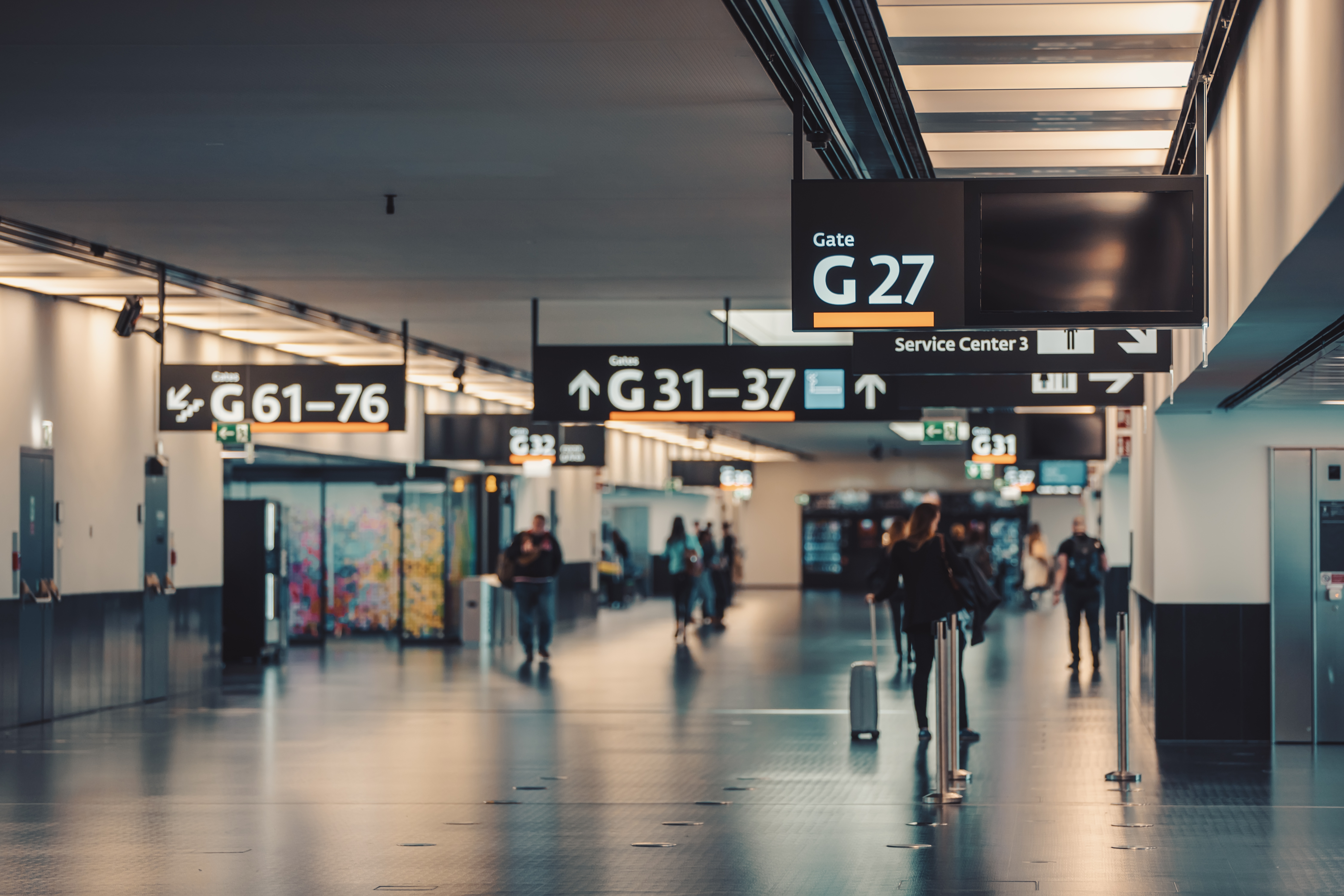
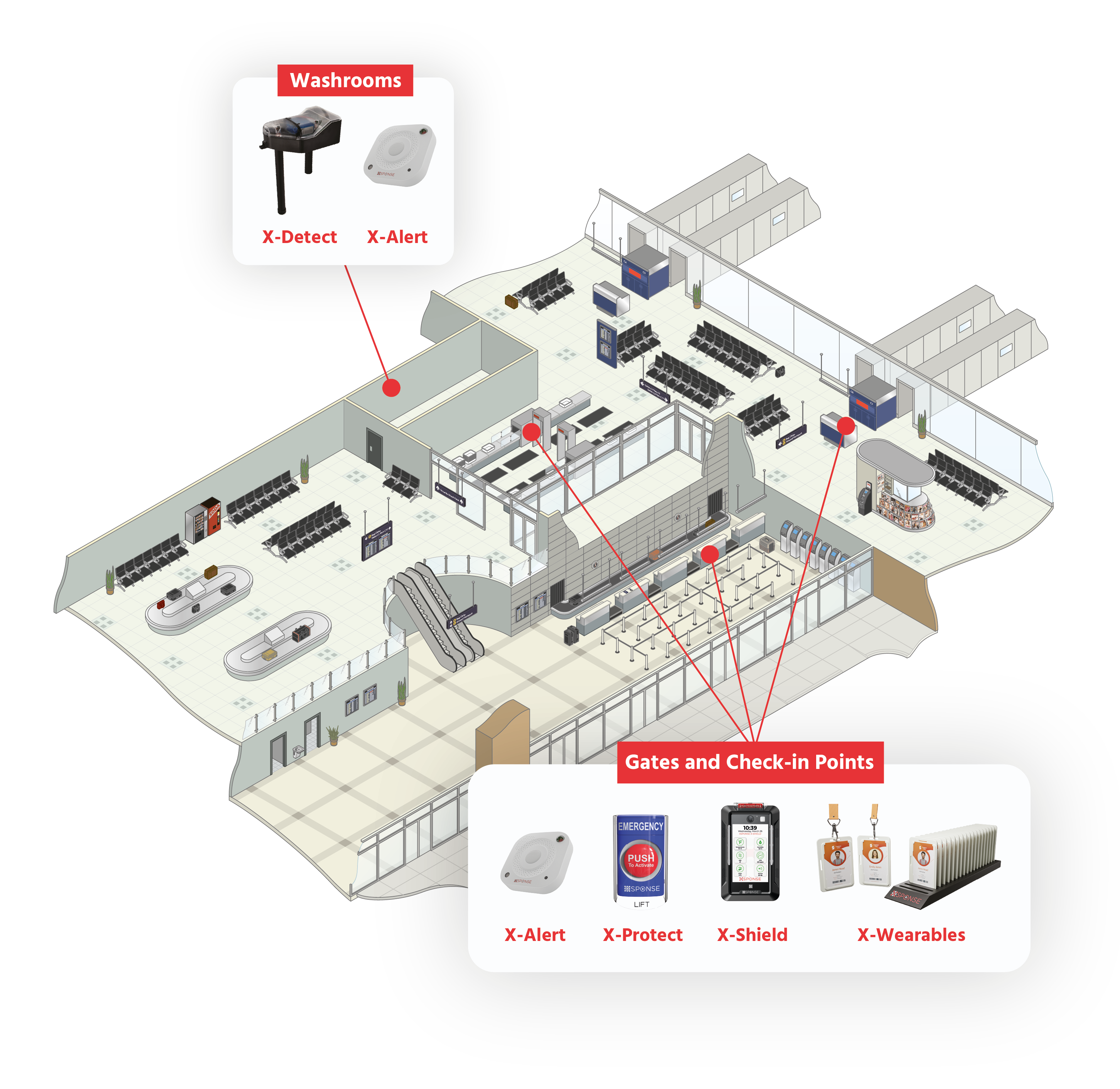
Airports are complex environments that require robust safety protocols to protect travelers and staff. XSponse provides state-of-the-art security solutions tailored for the aviation industry, including the X-Alert system, which monitors unauthorized access and potential threats The X-Guardian platform enables airport personnel to maintain a centralized view of operations, facilitating rapid incident response. Our X-Announce adapter enhances existing PA systems for efficient emergency communication, while integrating with X-Connect modules ensures seamless coordination among security devices. Together, these solutions foster a safe travel environment, reassuring passengers as they navigate the airport.
X-Display
Provides dynamic alerts and visual instructions during emergencies.
X-Alert
Automates notifications for unauthorized access and anomalies within restricted areas.
X-Light
Delivers vibrant, customizable RGBW lighting for unmissable alerts, improving communication and safety during critical situations.
X-Guardian
Centralized platform for monitoring activities and managing safety protocols.
X-Protect Buttons
Enable quick communication of emergencies, triggering immediate responses.
X-Wearable
Gives employees the ability to communicate and trigger alerts effectively.
X-Detect
Places a stop to the vaping in unauthorized areas such as bathrooms.
X-Shield
Delivers automatic lockdown capabilities to quickly initiate protective measures and enhance overall security.
XSponse now offers live remote support using Splashtop! Whether you’re a customer with access to our full support system or just need quick assistance, we’re here to help.
Follow these quick steps to get help: 1. Click the button below to download the Splashtop support tool. 2. Run the tool and provide us with the code it generates. 3. Sit back while our support team solves your issue remotely!